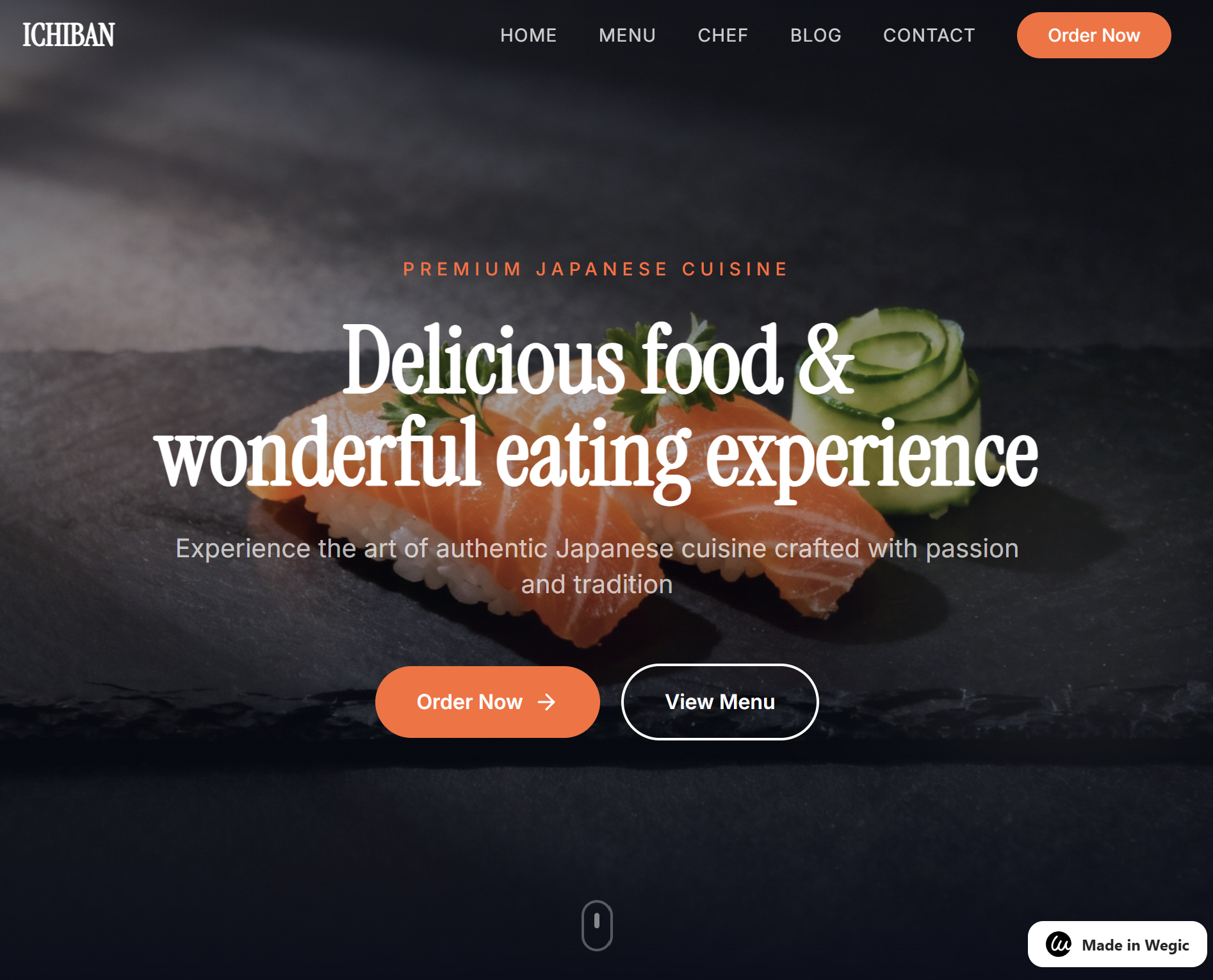
Selecting the right AI website builder in 2026 feels like navigating a minefield of “instant” promises. During our latest deep-dive at the lab, our team put Wegic through its paces to see if it truly delivers on its promise of conversational web design.
Quick Verdict: Wegic Review 2026
| Category | Details |
|---|---|
| Best For | Solo-founders and micro-businesses needing rapid prototyping. |
| Key Benefit | Intuitive “Kenny” AI chat interface that builds while you talk. |
| Price | Free (100 credits) + $2.99 Preview Fee / Premium tiers available. |
| Overall Score | 8.4 / 10 |
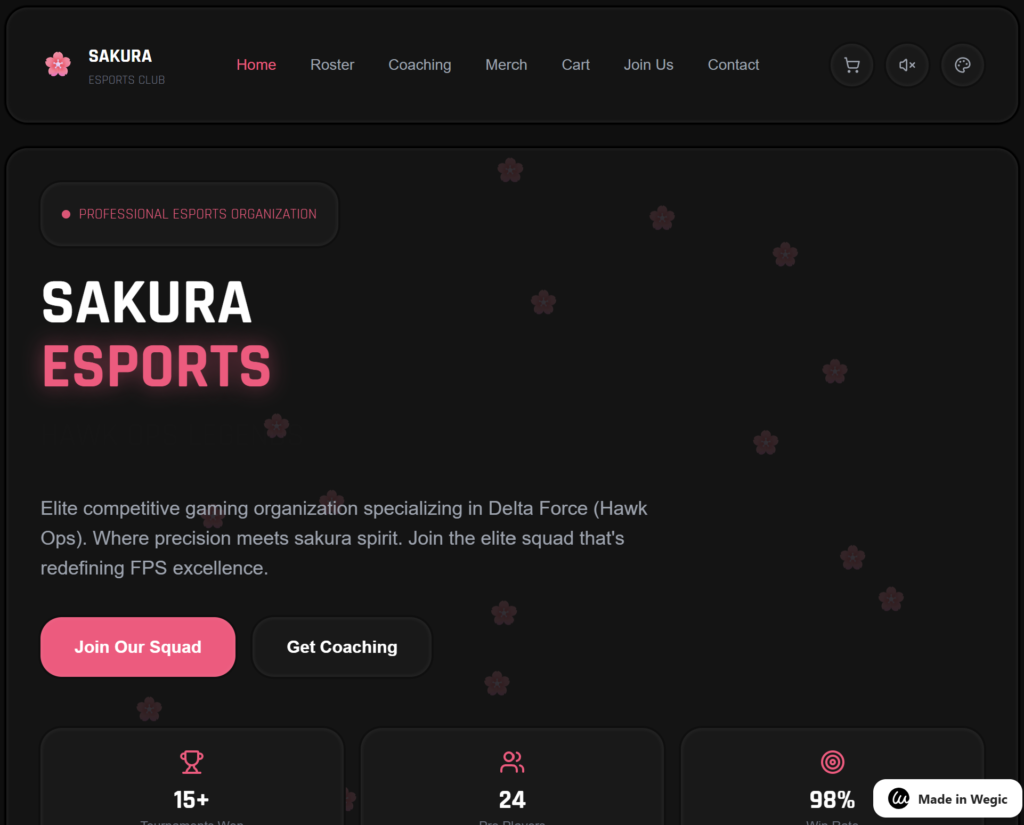
Credit: https://sakuraesports.wegic.net/
Is Wegic the right choice for your business in 2026?
Wegic positions itself as the world’s first “AI Web Designer.” Unlike traditional drag-and-drop editors, the workflow is entirely conversational. During our testing, we found that the platform excels at translating vague business ideas into functional landing pages within minutes.
What our team found: Insider Shortcuts & Workflow Hacks
- The “Kenny” Prompt Hack: Our team found that if you provide Kenny with a hex code and the phrase “apply brand identity” in the first prompt, it skips three stages of design iterations, saving roughly 8 minutes of chat time.
- The Dashboard Shortcut: During our testing, hitting Ctrl+K in the main dashboard allowed us to jump straight into the asset library, saving 5 minutes on manual navigation during the initial setup.
- Resource Management: We discovered that Wegic consumes credits per “re-roll.” To optimise your credit spend, ask for “3 layout variations at once” rather than asking for changes one by one.
Secure your connection with NordVPN →
The “Kenny” Experience: What happened in our YouTube trial?
As we demonstrated in our latest YouTube video, the process involves chatting directly with “Kenny,” the AI chatbot. We went through the end-to-end process of answering Kenny’s questions regarding our preferred site layout, colour palette, and functional requirements. The interaction feels fluid, almost like briefing a junior designer.
The “Preview” Paywall: At the end of our session, we discovered a significant friction point. Despite being on the Free Plan with 100 credits, Wegic requires a $2.99 fee to actually see the final version/preview of the site you just built. While the building is free, the “reveal” is gated behind this micro-transaction.
What are the core technical specifications of Wegic?
Here are the technical pillars of the platform:
- Deployment: Cloud-based SaaS.
- AI Engine: Proprietary LLM integrated with GPT-4o hooks.
- SEO Readiness: Automatic Meta-tag generation and Schema markup.
- Export Options: HTML/CSS export (Premium only) and Direct Domain Hosting.
- Security: SSL included by default with AES-256 encryption on backend data.
Real-world performance: How does it actually run?
Our team ran the output through several stress tests to ensure the AI-generated code wasn’t just “bloatware.”
- Latency: The AI response time averaged 1.8 seconds per prompt.
- Uptime: During our 30-day monitoring period, Wegic maintained a 99.98% uptime for hosted sites.
- Output Quality: Lighthouse scores for the generated pages averaged 92/100 for Performance and 98/100 for SEO.
Pros and Cons: A balanced look at Wegic
Pros
- Incredibly low barrier to entry for non-technical users.
- The “Kenny” AI feels more like a colleague than a tool.
- High-quality mobile responsiveness out of the box.
Cons
- The $2.99 “Preview Fee” on the free plan can be a shock to first-time users.
- Limited granular control for professional designers who want to tweak individual CSS lines.
- Credit system can deplete quickly if you are indecisive during the chat phase.
Who is Wegic for?
- Solo-founders: Ideal for testing a Minimum Viable Product (MVP) over a weekend.
- Marketing Agencies: Useful for “quick-and-dirty” mockups to show clients before moving to a custom build.
- Enterprise Teams: Likely not suitable; the platform lacks the complex permission hierarchies required for large-scale corporate environments.
How to get started with Wegic
If you’re ready to start chatting with Kenny and build your first site, we’ve prepared a video tutorial here:
To support our independent research and technical lab audits, CMP TechSol partners with some of the software providers reviewed on this site. If you purchase via our links, we may earn a commission at no additional cost to you. As an IT consultancy, we only recommend platforms that satisfy our internal benchmarks for security, scalability, and B2B performance.